RUST + TAURI · FROM FIRST PROJECT TO FIRST RELEASE
Build with Crabyard
Generate your app, understand the foundations, and give your coding agent a clear place to start.
Find your next step
-
Create your first app
Install the prerequisites, choose a preset, and run your generated desktop app.
-
Choose your foundations
Configure authentication, pick your UI, and understand how the overlays fit together.
-
Build with a coding agent
Inspect readiness, export a focused brief, and work from shared project instructions.
-
Prepare your release
Review the remaining configuration and connect signed updates for your app.
A useful first workflow
With the CLI installed, start from a local checkout of the public templates:
git clone https://github.com/Crabyardcom/crabyard-templates.git
crabyard new "Field Notes" --template ./crabyard-templates --preset local-first --yes
crabyard check --project ./field-notes
crabyard context --project ./field-notes --brief "Add tags and search"
The local-template path works without a license key. Hosted template downloads require a Crabyard license. See installation for prerequisites, installer choices, and API configuration.
Your app still has a release checklist
OAuth client IDs, signing keys, updater configuration, and product behavior remain yours to configure and verify. The readiness audit reports configuration gaps; run the generated app's tests and build checks as well.
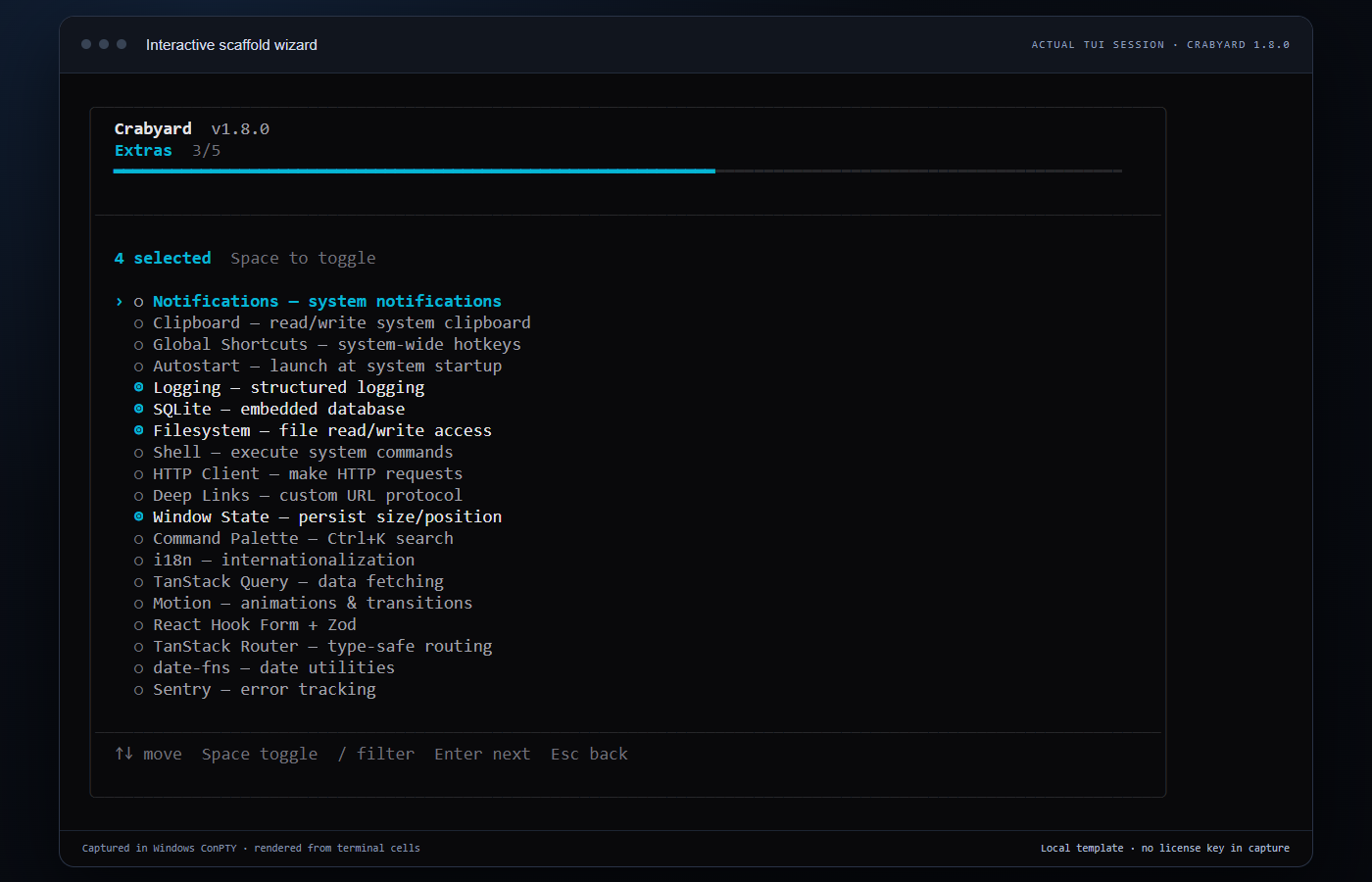
See what you are running
The interactive wizard helps you select the app's stack and native features. This is a real Crabyard terminal session, captured through Windows ConPTY and rendered for readability.